 |
Sleeping Aid - Dish Washer Sound
This is the sound of my Electrolux dish washer.
Serving as a sleeping aid, it cancels noisy neighbors and street
noise.
dishwasher.mp3
(Size: 28.3 MB, Bitrate: 256kb/s)
2012-09-15, Length:
15:00 |
 |
Ghost Hunting Flashlight Trick: Physical
Eplanation and Experiments
Some ghost hunters use a flashlight to
communicate
with ghosts. Typically, the performing ghost hunter turns the
flashlight's head to a position where the lamp easily goes on or off by
the slightest touch. Then the ghost hunter puts it on a table or on the
ground and starts asking questions. Eventually, the flashlight seems to
respond by going on or off. The questioning goes on, and the flashlight
keeps going on and off without any noticable force affecting it. The
ghost hunters claim that the flashlight is operated by a spirit.
But there is a physical explanation for the flashlight repeatedly going
on and off by itself. The video below presents experiments with the
Mini Maglite 2-Cell AA (Xenon), which happens to be the model used in
the TV-Show "Ghost Hunters" that made the trick popular. Experimental
results and considerations of contact physics reveal that the trick is
actually caused by a heat cycle.
In particular, the cycling is caused by the flashlight's reflector
expanding under the heat of the lamp and contracting when the lamp is
off, thereby breaking or making contact as it is reducing or increasing
pressure on the switch. The long and distinct on and off phases of the
cycle are caused by complex events on the contact surfaces. First, when
the lamp is off, some pressure is required to break the insulating
layers of oxide and other debris that cover the contact surfaces. The
lamp stays off until the reflector contracted far enough so that the
spring in the tail cap inflicts enough pressure on the contacts to
break the oxide layers. When the layers break, the first point of
electric contact overheats, melts and spreads, and the contacts get
welded together. As the lamp goes on, the
reflector starts expanding from the heat of the lamp. It expands until
it generated enough force to break the welded spot. Depending on the
quality of the weld, the lamp either goes off quickly, as the contact
surfaces jump apart, or it goes off flickering, as a bridge of molten
metal is formed between the contacts which burns out. After the lamp
goes off and the contacts start closing again, it takes some time to
remake contact. Because if the surfaces jumped apart when the welded
contact spot broke, the resulting gap needs to be closed again. In any
case, pressure on the contacts needs to be built up again to break the
oxide layers, which either grew back instantly after the weld broke or
which got even worse by the oxidization and degredation of the liquid
contact bridge. As contact is remade, the cycle starts again.
2012-03-25, Length:
21:12 |
 |
Alien Club Vision
The pareidolia of an alien colored dance club
explored in a psychedelic full HD trip clip with experimental dub step
music.
2011-12-30, Length:
5:13 |
|
Psychedelic Blob - Remastered [1080p Full HD]
New version of my Psychedelic Blob clip,
rendered in Full-HD. Animation done with Povray. Music done with
my Sonitarium
synth and a vocoder.
2011-10-23, Length: 7:39
|
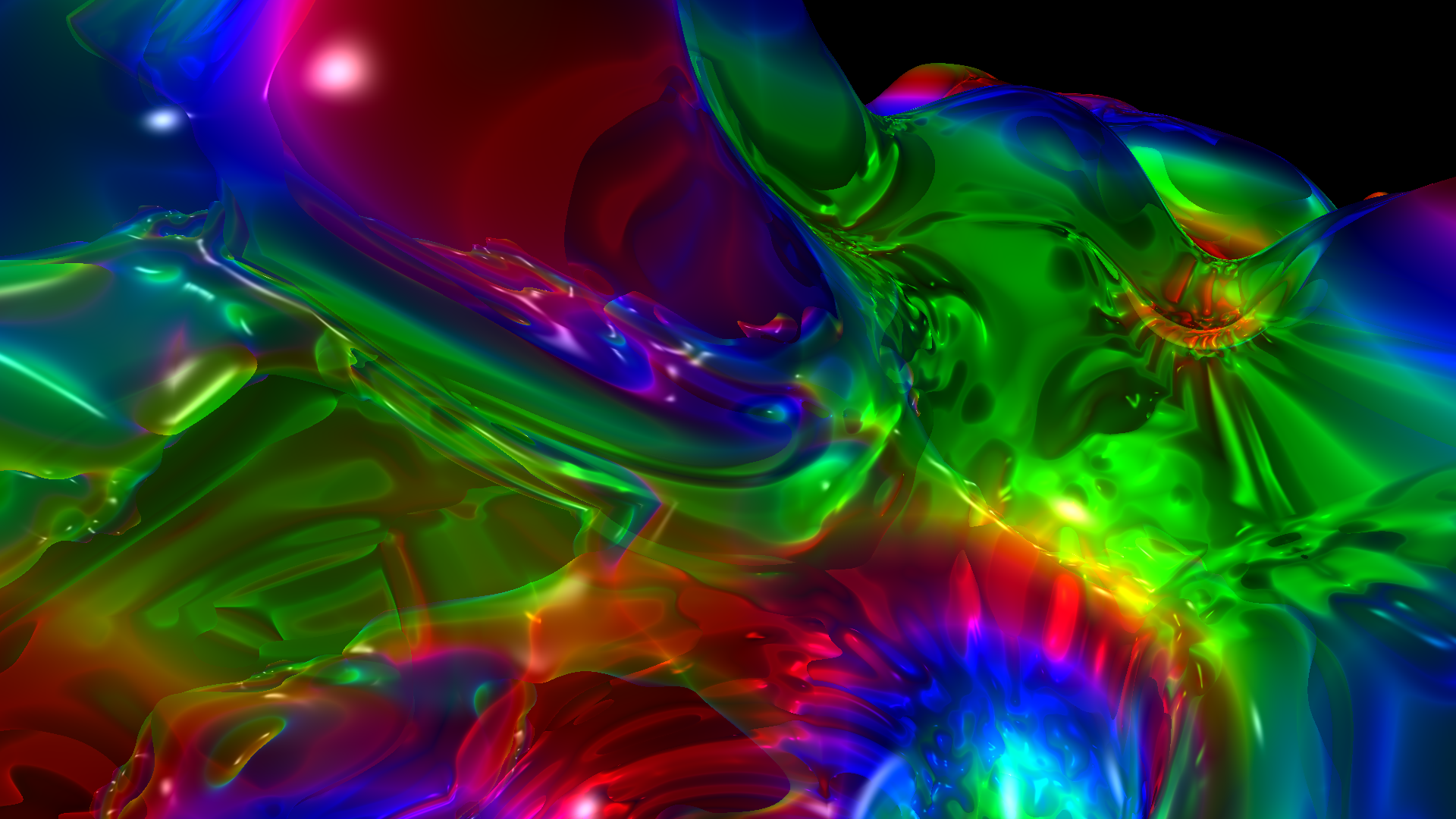
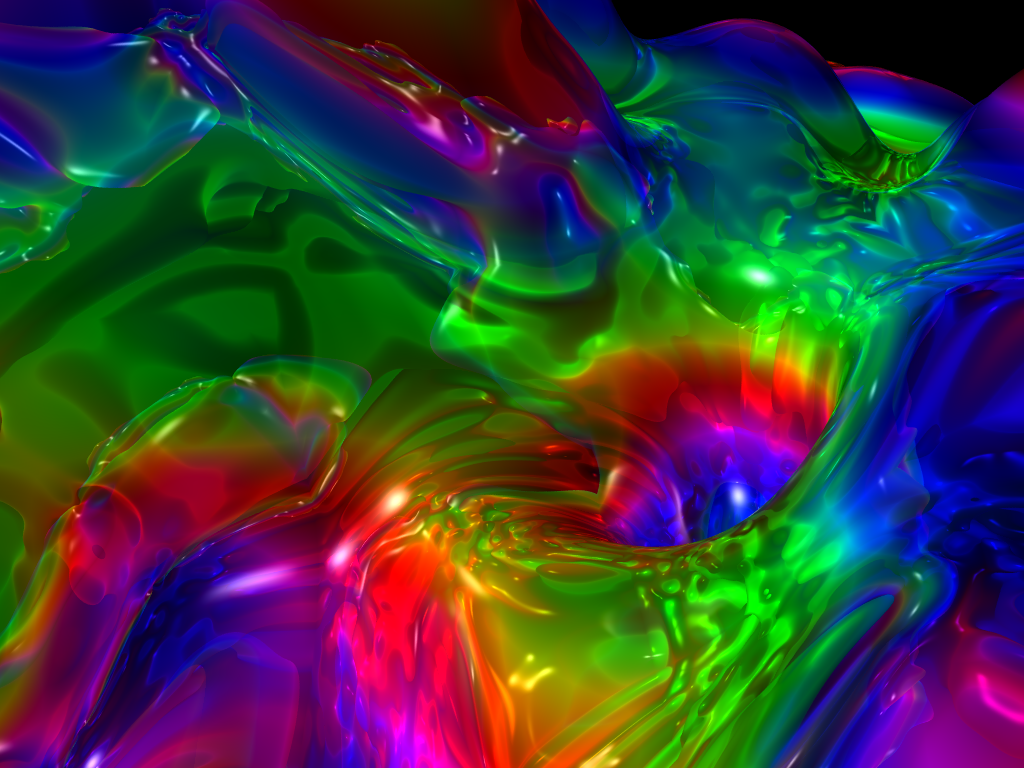
Single frames from this clip:
|
|
Trippy Dancing Fluid Girl
A dancer in a tank of psychedelically twirling
fluid. A High Definition computer animation made with a fluid
simulation engine I coded in Java, using iClone and MVTools (AviSynth)
for animation input. Music made with FL-Studio.
2011-08-30, Length:
4:00
|

|
Excusememamwhereisthebathroom:
Answer the Door
The citizens of EMMWITB enjoy romance and
tobacco (not necessarily in that order). A crazy animation clip.
2010-04-02, Length: 6:52 |
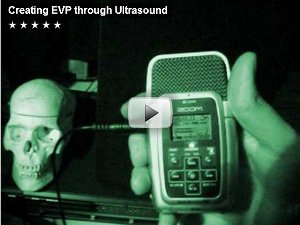 |
Creating EVP through Ultrasound
This clip demonstrates how to fabricate
Electronic Voice Phenomena through modulated ultrasound, without
manipulating the recorder or the recorded sound files. It is shown how
to prepare an inaudible ultrasound sample and then record that sample
with digital and tape recorders, making it audible again. The approach
presented here is based on digital aliasing and nonlinear distortion.
2009-12-24, Length: 8:50 |

|
Yokohama Morphing Walk (new version)
Morphing zoom walk through Yokohama, from
Chinatown to Minatomirai to Yokohama Station in 4 minutes. Video by me
and music by myself - with my free synth Tetra.
Made with Sqirlz Morph.
2007-08-20, Length: 4:20 |
 |
Jelly Trip Experience - 3D Computer Art (HD)
Shape, color, and sound in perpetual jelly motion, inspired by the
hypnotic continuity of lava lamps.
A long High Definition animation made with Povray. Music made with
my Sonitarium synth.,
while I was in Japan.
2009-10-17, Length: 10:07 |
 |
UFOs over Paderborn / Germany
12th April 2009, near dawn.
2009-04-12, Length: 0:39 |
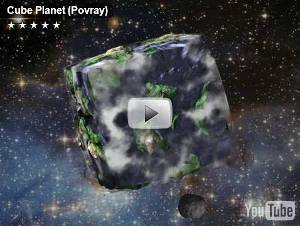 |
Cube Planet
My first animation done with Povray. Non-linear
transformations are gradually applied to force a cube shape on every
object. Music done with my Sonitarium synth.
Made with Povray.
2009-01-11, Length: 0:57 |
|